 Clayground
Learning games your little one can play on their own
Letters, counting, shapes, music and more, made of friendly clay, for ages 2–5 on iPhone and iPad.
Coming soon to the App Store
Ten games that grow with your child
Every game has an easier setting for ages 2–3 and a bigger challenge for ages 4–5. Spoken instructions mean no reading is needed.
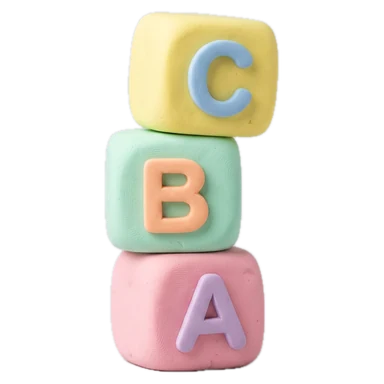
ABC
Letters and their sounds
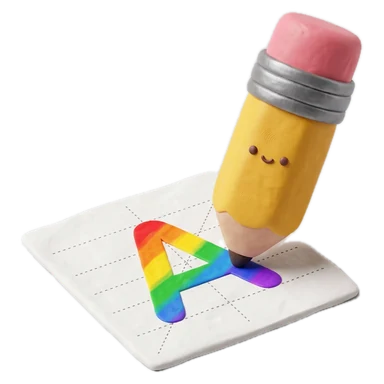
Trace
Draw letters and numbers
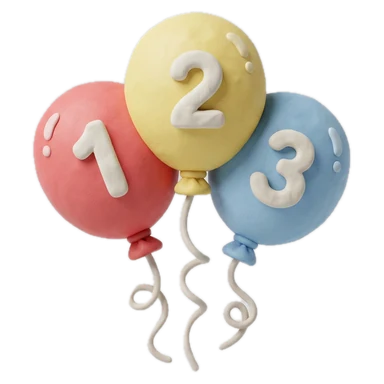
Count
Count and pop
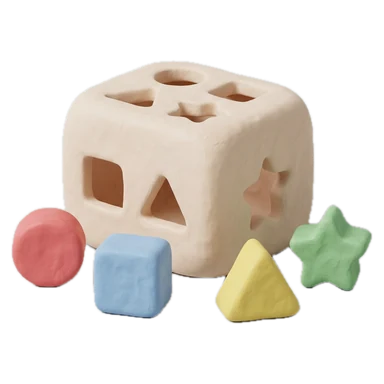
Shapes
Sort the shapes
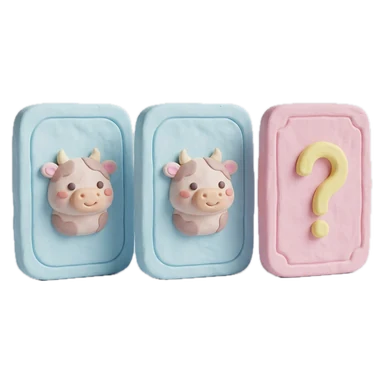
Match
Find the animal pairs
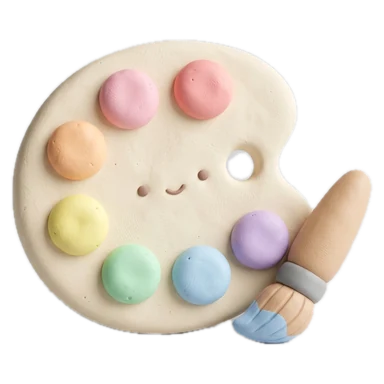
Color
A coloring book
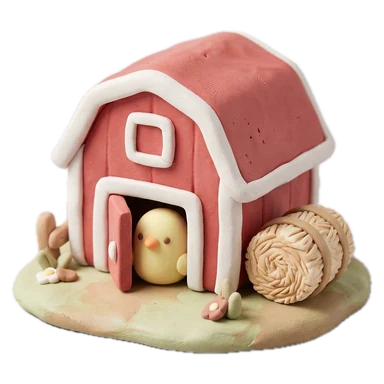
Farm
Meet the farm animals
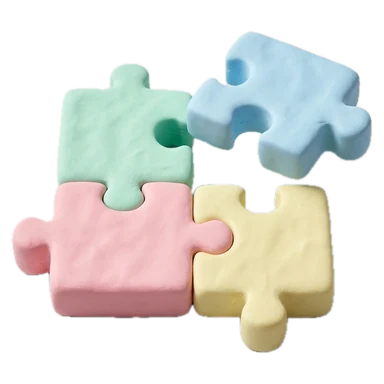
Puzzle
First jigsaws
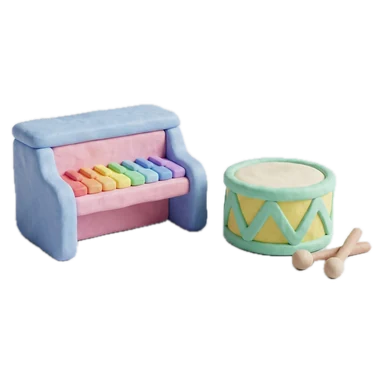
Music
Play the keys
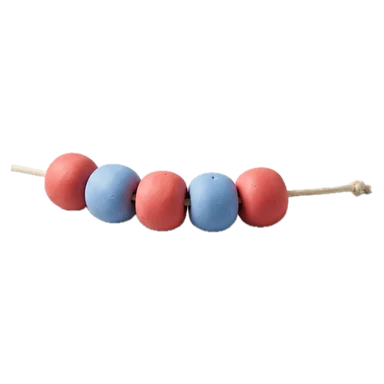
Patterns
What comes next?
Made for kids, with grown-ups in mind
Pay once
One price. No ads, no in-app purchases and no subscriptions, ever.
Private by design
No accounts and no data collected. Names and progress stay on your device.
Works offline
Plays anywhere, from car rides to flights, with no internet needed.
Up to six kids
Each child gets their own profile, stars and sticker collection.
Parent gate
Settings are locked behind a grown-up check that little hands can't pass.
iPhone and iPad
Big, easy-to-tap buttons sized for small fingers on any screen.
Support
How do I add or rename a child?
Open the grown-ups area from the home screen and pass the parent gate. You can add up to six kids, change names and pictures, and pick an age group for each.
How do I turn off sounds or spoken instructions?
In the grown-ups area, under Sound, switch off sound effects or spoken instructions.
How do I keep my child inside the app?
Turn on Guided Access in your device's Settings → Accessibility → Guided Access, then triple-click the side or home button while Clayground is open.
Will progress move to a new device?
Progress is stored only on the device. It comes along when you restore a new iPhone or iPad from an iCloud or computer backup.
How do I delete my child's data?
Remove a child in the grown-ups area, or delete the app to erase everything. See the privacy policy.
Still need help, or have an idea for a game? Email hello@claygroundapp.com.